PROJECT 3: INTRODUCTION
In this project, I worked together with my teammate Luuk on coding the design we created as a group project for Cardan. We developed several interactive stations, each simulating a specific type of disability. These simulations were implemented using JavaScript, and the overall project was built with HTML, CSS, and JS.
Project Plan
Before starting the development phase, Luuk and I created a comprehensive project plan titled Project Plan Cardan Coderen, outlining the foundation and structure of our work. This plan included the background and motivation for the project, our main research objectives, and a clear problem definition based on Cardan's request to digitize their physical accessibility testing stations.
We defined our technical approach in detail, including our Git and coding practices—such as working in separate branches per station, building reusable components, and using individual JavaScript files per page for clarity and maintainability. The plan also provided context about our client, Cardan, and our stakeholder, Carolina van Setten.
Our timeline was visualized using Trello, supported by Figma designs created in a previous phase. We also established clear communication protocols and team agreements to ensure effective collaboration. These included guidelines for attendance, progress check-ins, and how to handle miscommunication or unclear requirements.
Additionally, we addressed potential limitations regarding quality standards and time constraints. The project plan concluded with a description of the intended final product: a functional prototype of a digital simulation tool that replicates accessibility limitations. This tool aligns with WCAG 2.2 AA standards and Cardan’s brand identity and is designed to be scalable and accessible to international users..
CONCEPT
General Simulation Concept
The concept we developed into a digital simulation for Cardan’s website consists of five stations, as in the UX project. These five stations correspond to five types of impairments:
> Under the first station (visual impairment), there are two mini-games: a color blindness simulation and a tunnel vision simulation.
> The second station covers auditory impairment, which differs from the prototype in the Create-That-UX project (see Iteratie section).
> The third station focuses on cognitive impairment and features an ADHD simulation.
> Under the fourth station (motor impairment), simulations are included for Cerebral Palsy and Multiple Sclerosis.
> Finally, the fifth station includes mini-games for dyslexia and contrast sensitivity. In total, we created eight mini-games.
Since our project group consisted of only two people, the task division was straightforward: I worked on the first two stations, and Luuk handled the last two. The third station was intended as an optional task if someone finished early. In the end, Luuk completed the entire third station.
This project was built using HTML, CSS, and JavaScript.
My Simulation Concepts
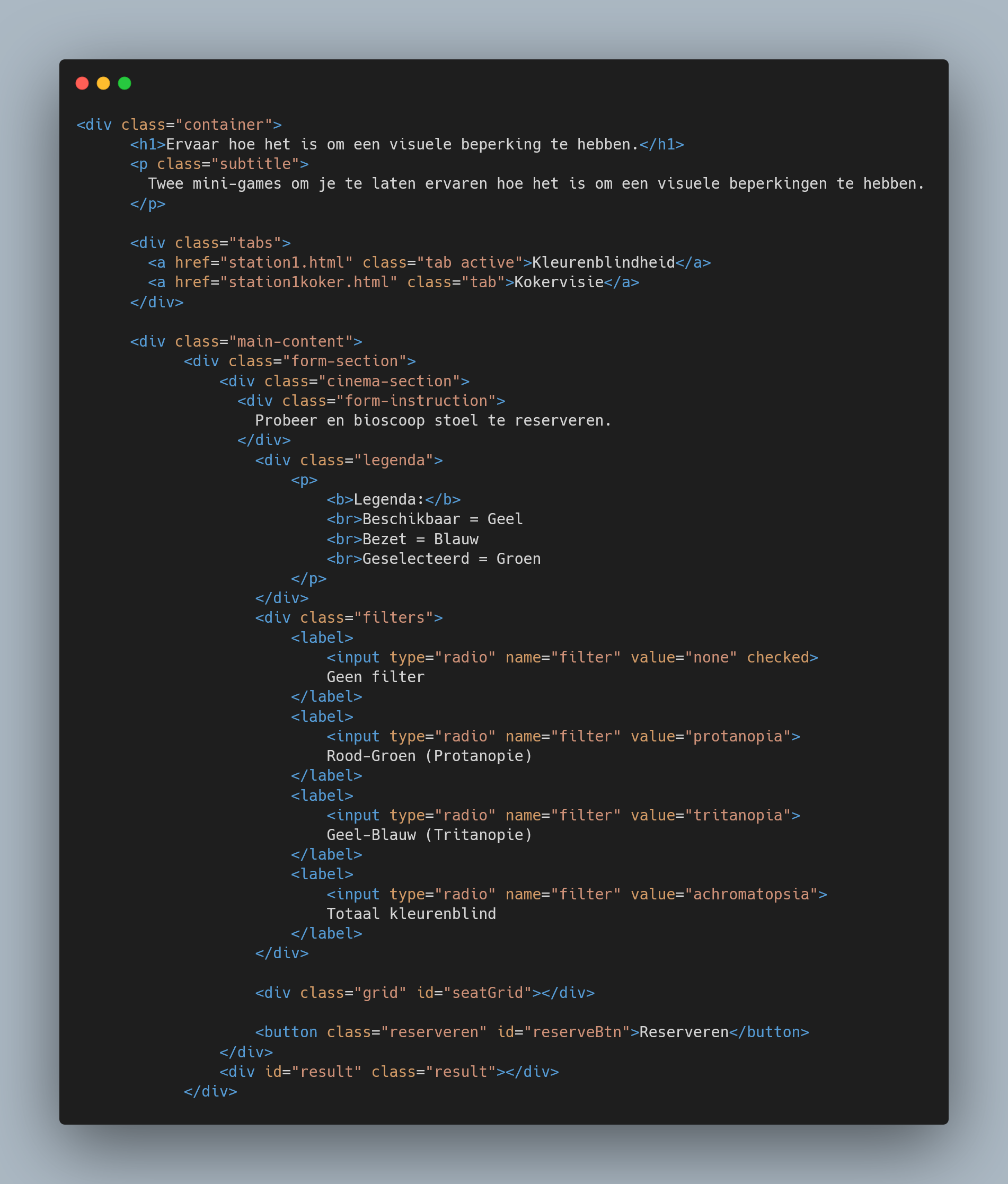
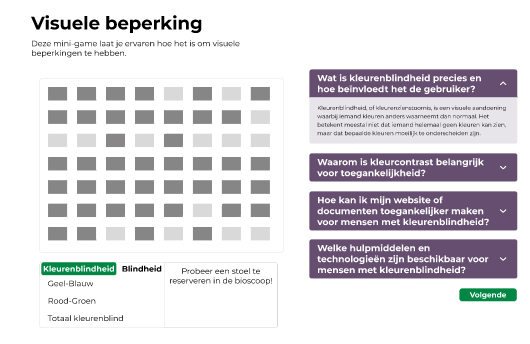
The first mini-game involved reserving a cinema seat while experiencing color blindness. I ensured that filters for the most common forms of color blindness were available and accurately simulated.
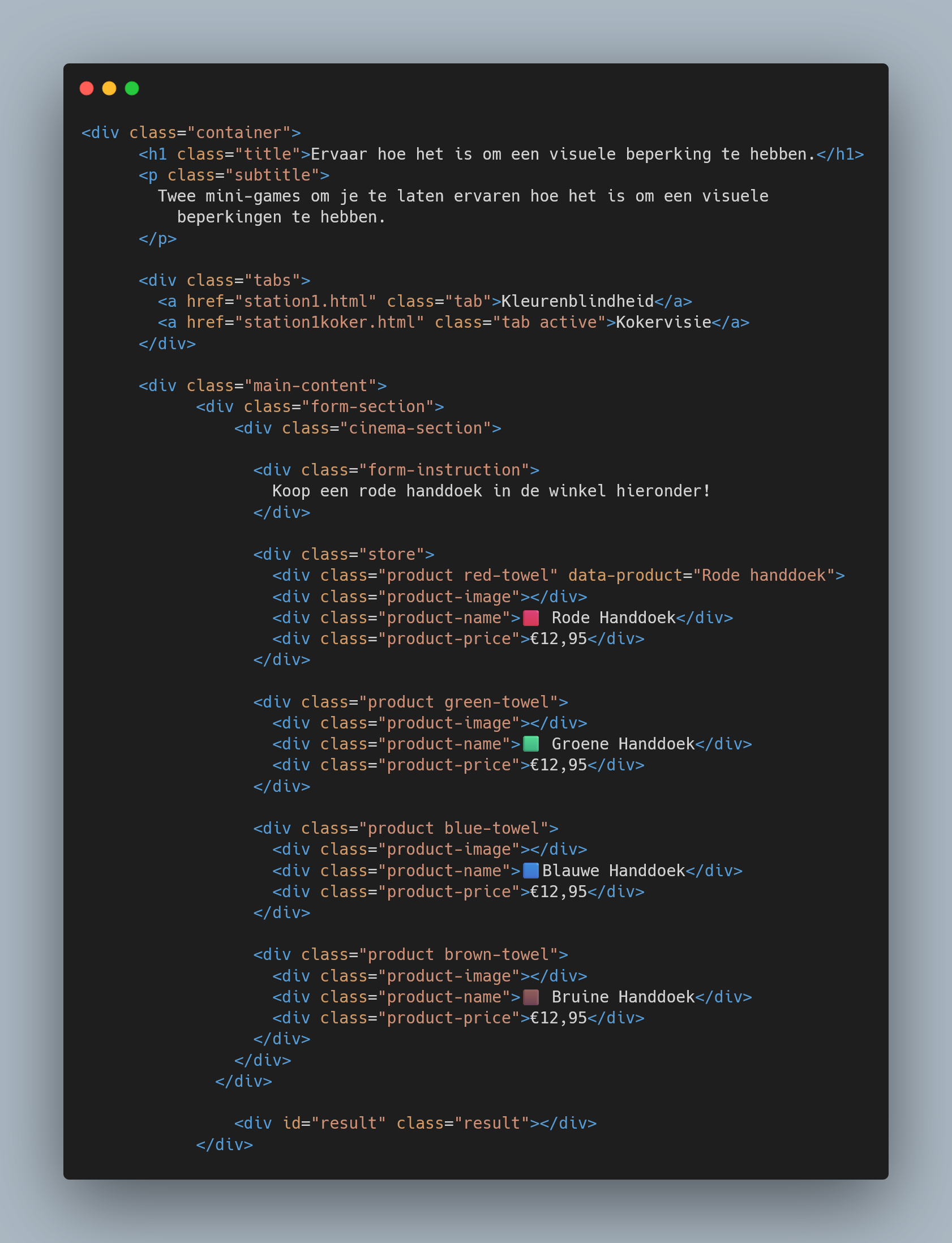
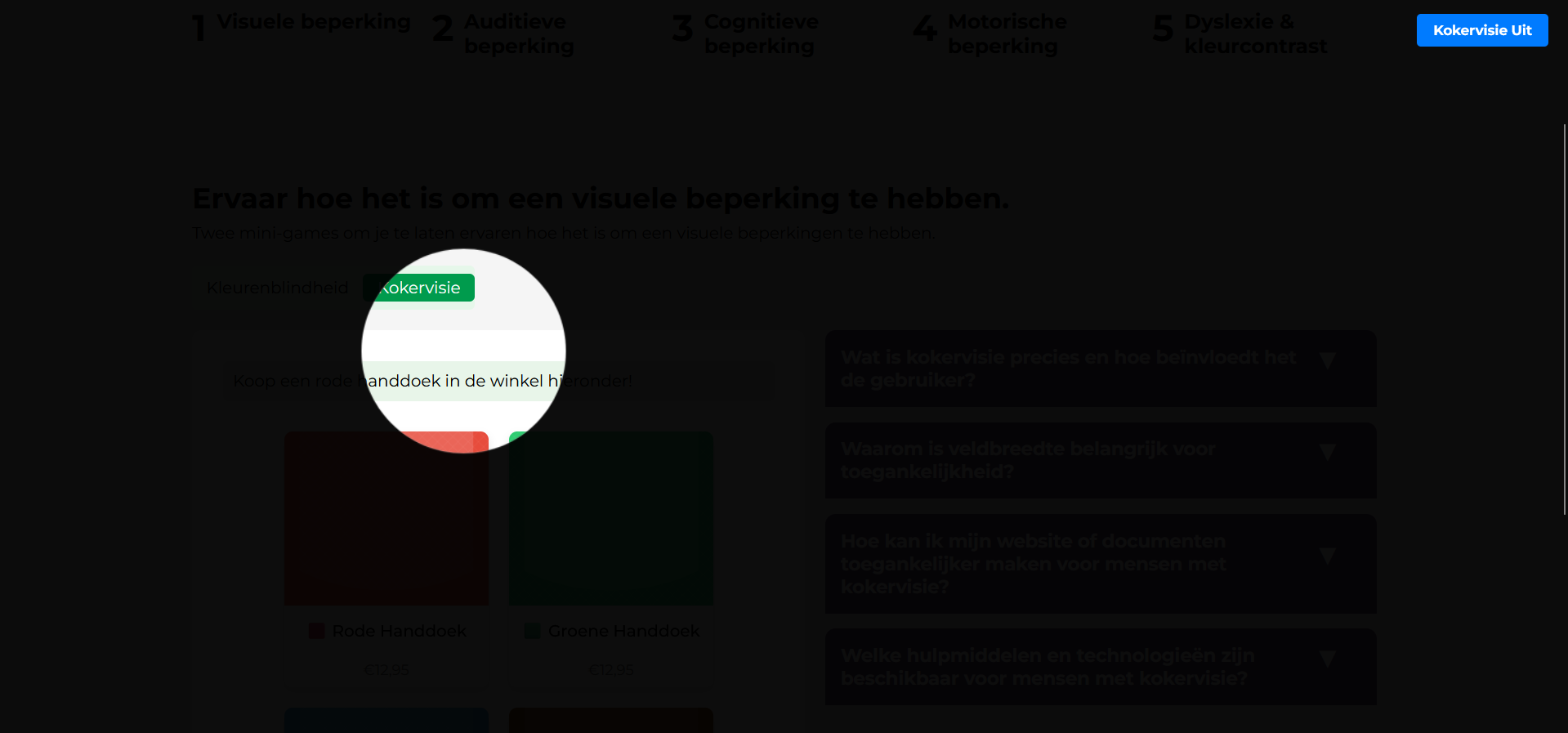
The second mini-game was a tunnel vision simulation in which the user had to purchase a red towel.
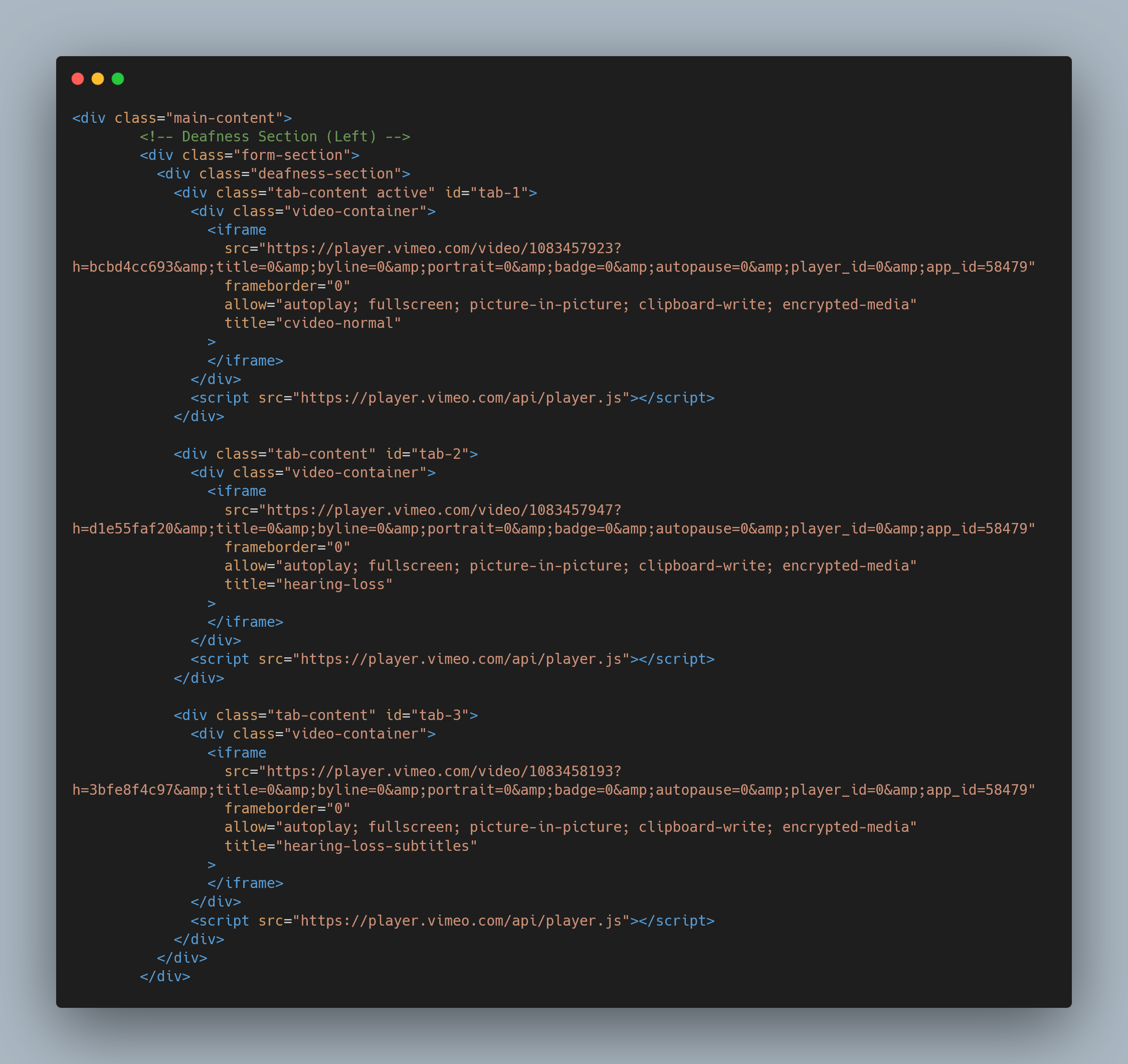
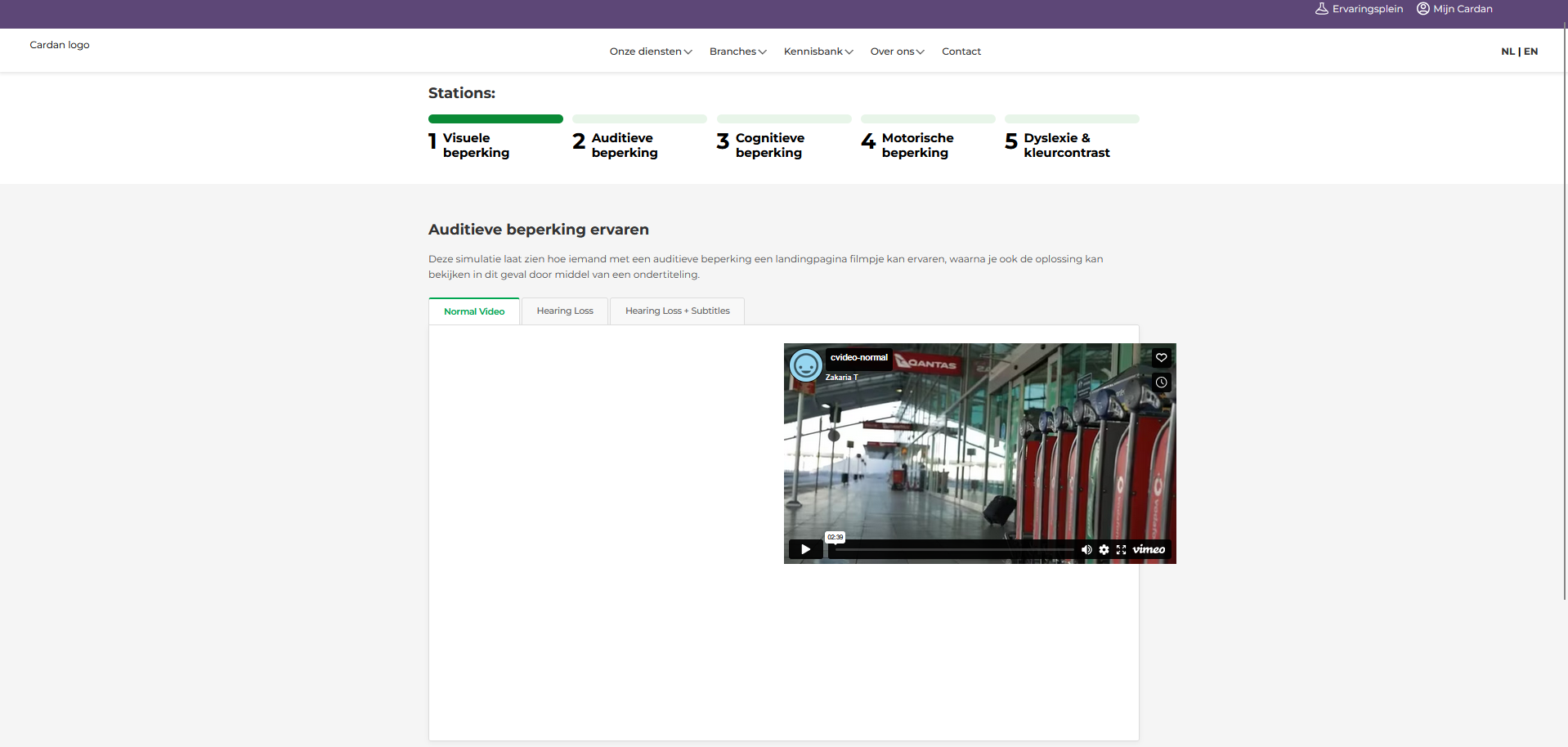
The third simulation, addressing auditory impairment, was a landing page video simulation designed to show the impact of hearing loss and demonstrate what we can do to support people with deafness.
ITERATIVE DESIGN: DEV ITERATION
Hearing Loss
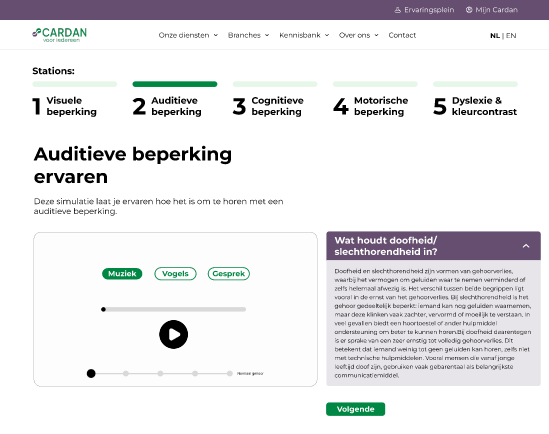
Image 1:
This was my final prototype for the project Create-That-UX. However when I showed this prototype to the stakeholder from Cardan and the semester teachers, I immediately got feedback saying that this design is not that special or is not a realistic situation and that I had to change it up. The main argument was that it is just similar to a volume slider.
Image 2:
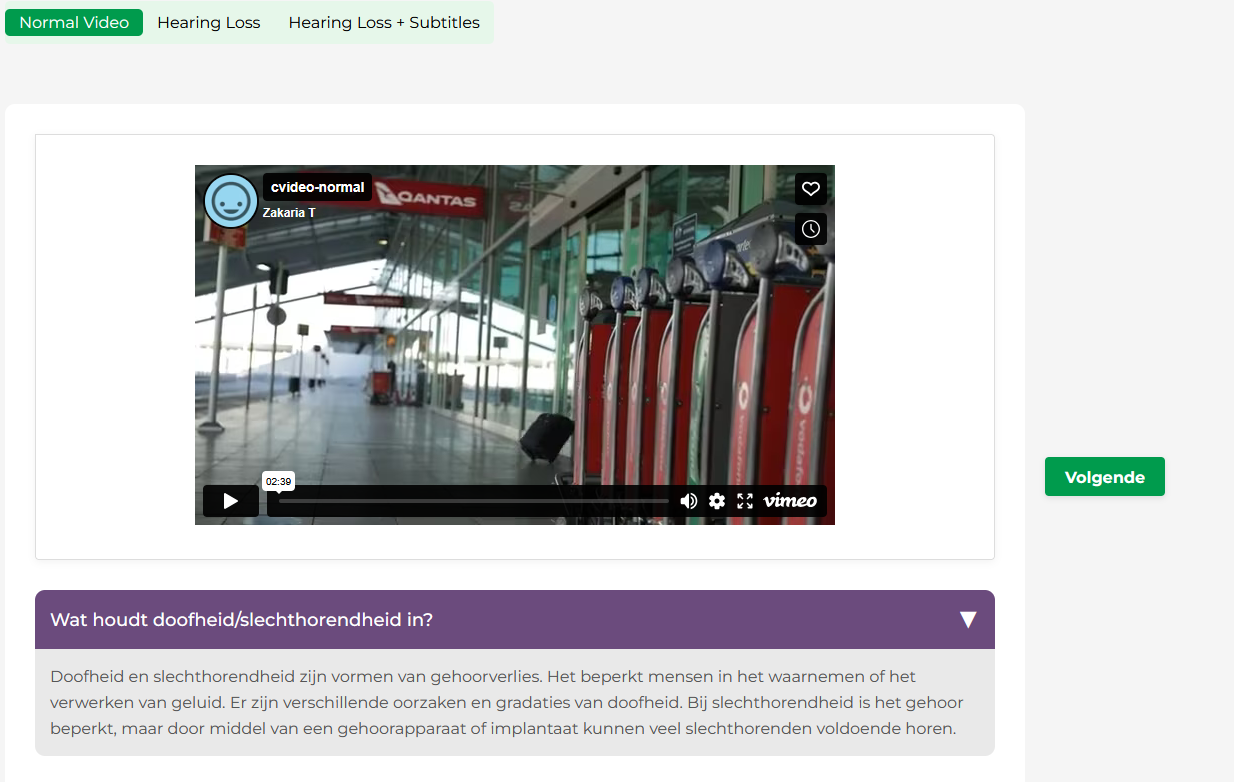
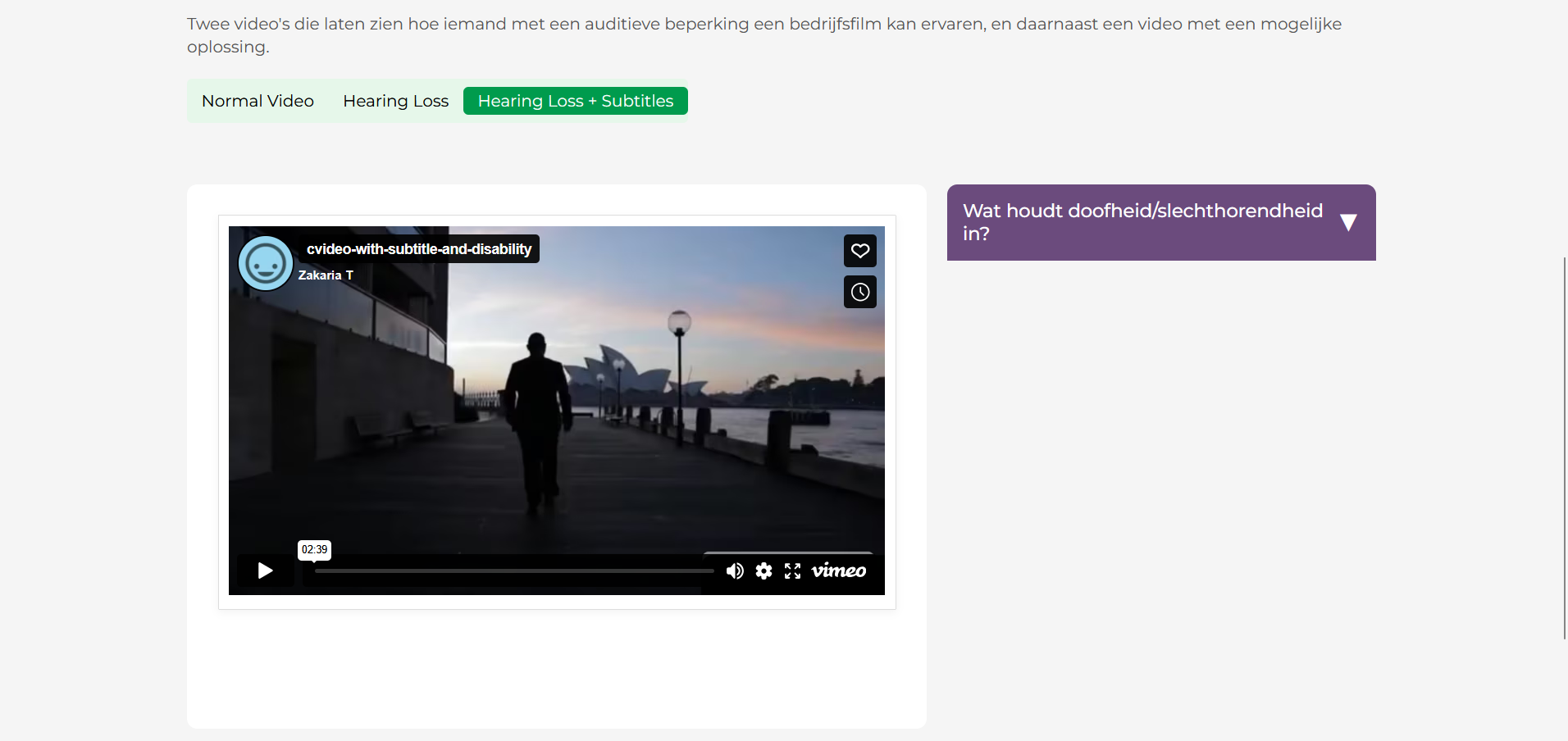
In the second image i made a beginning in the new design. I got rid of the old prototype and instead started programming three tabs with three different videos. The first one being a company video without hearing loss. The second being the same video with hearing loss. And the third video is a solution to this by putting a subtitle under the video. As you can see i had some errors with using a vimeo tag in my html.
Image 3:
Solved the errors i had previously and also changed the tab section a bit.
Image 4:
I changed the FAQ from below to the right.
Visual Disability - Colorblindness
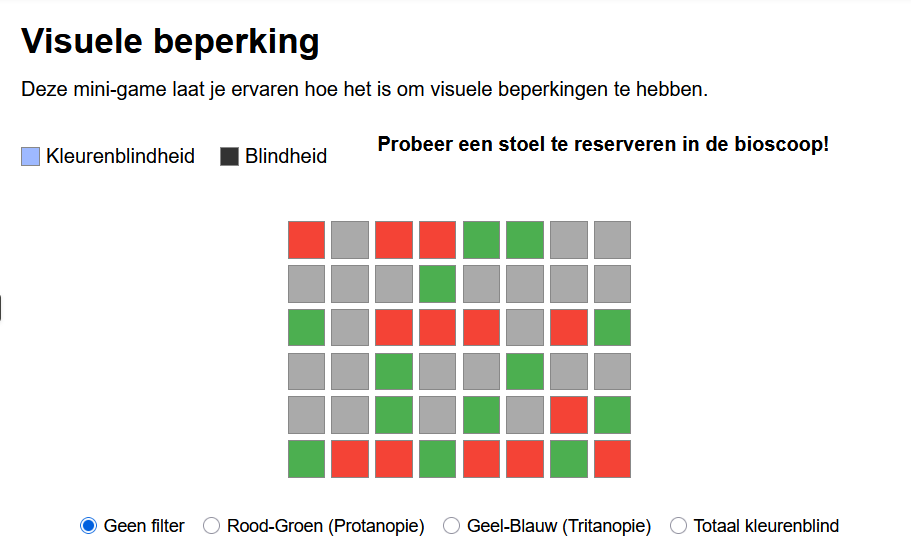
Image 1:
This was the final prototype from the Create-That-UX project. There is not much i can add to the first image, since it did not change that much from later iterations.
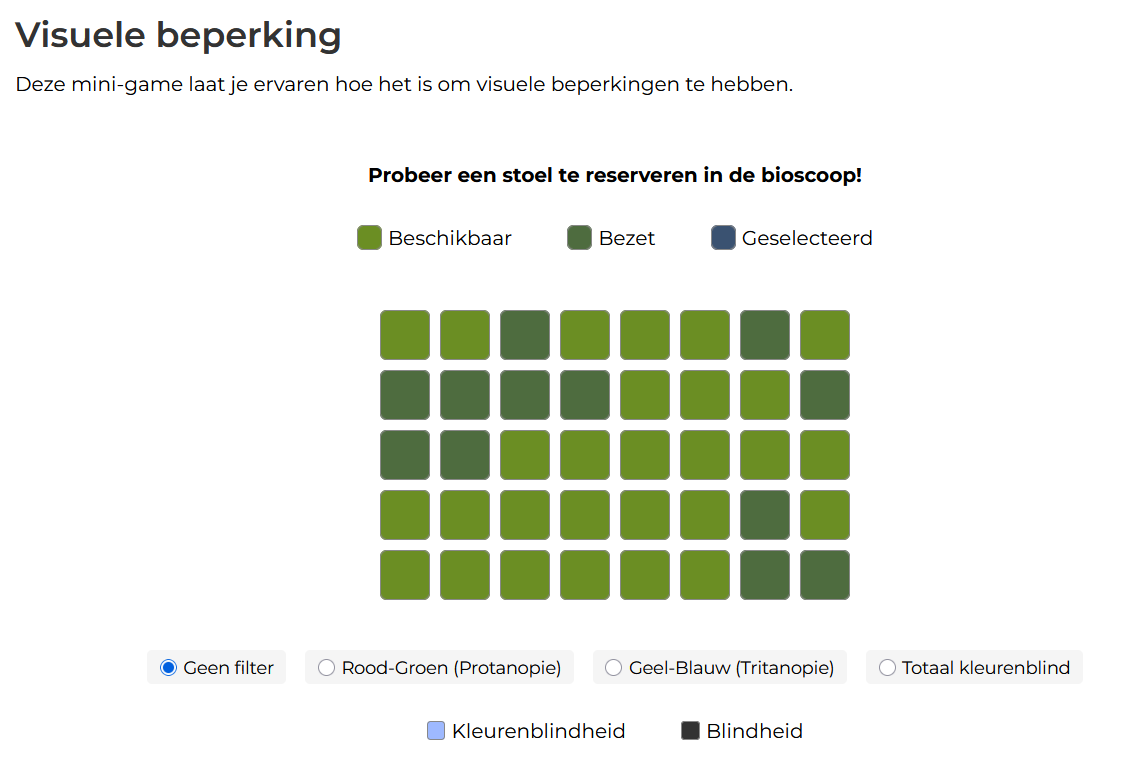
Image 2:
When I began coding it i tried to recreate the first image but wanted to add more color to it since it would be nessecary to test the color blindness filters. The UI also did not look that nice in this iteration and i made some significant changes to that.
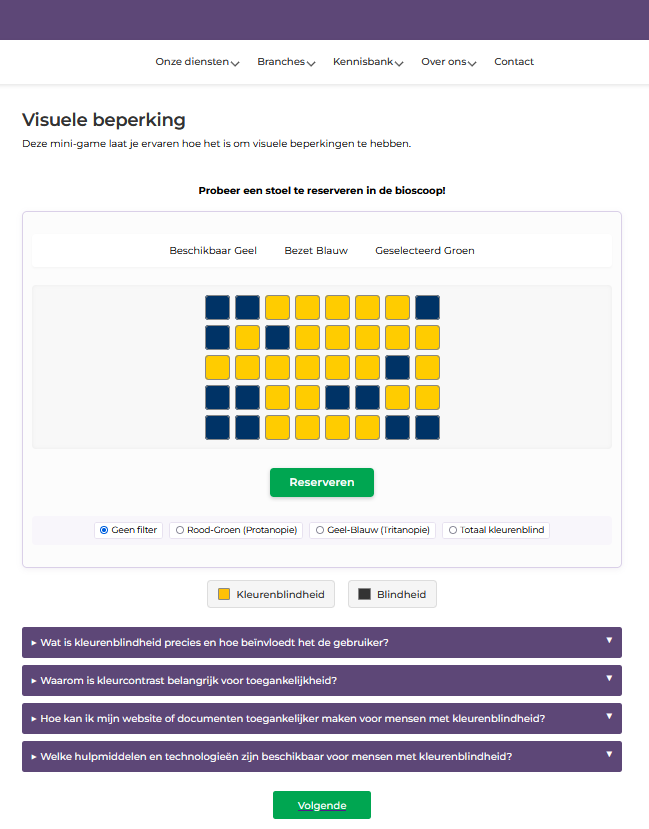
Image 3:
Some UI improvements and also a change of color. But after testing these colors I found out that it was too challenging this way. The filters also worked perfectly in this iteration.
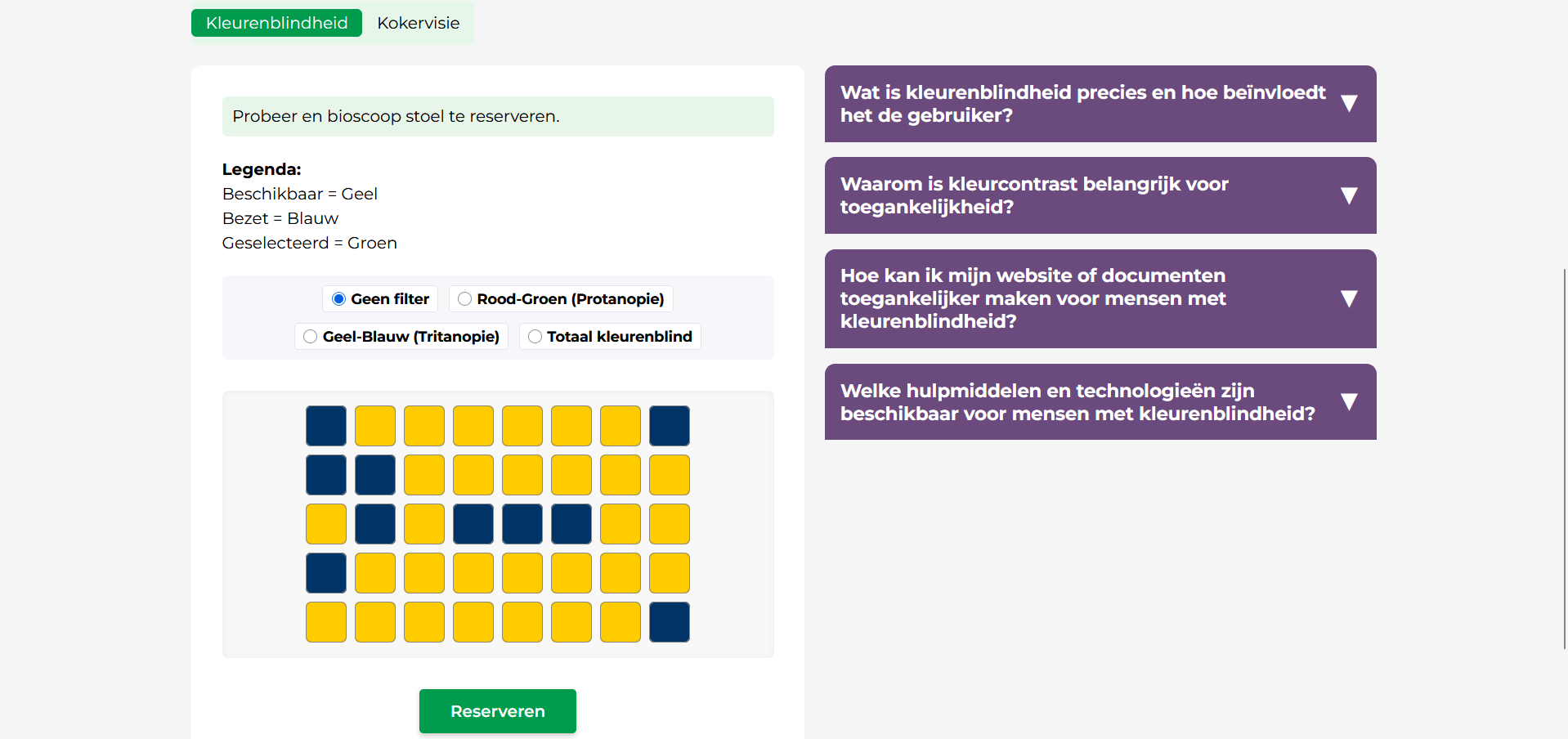
Image 4:
I was almost done in this iteration but after some testing and peer-to-peer feedback the styles did not match the other stations. So i had to change the FAQ, and some labels. In this iteration I also added a nice outlining around the minigame which i really thought looked neat.
Image 5:
This was my final iteration, and after testing it we were satisfied with it.
Visual Disability - Tunnelvision
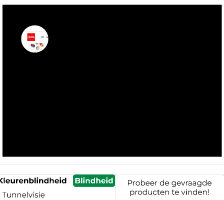
Image 1 & 2:
This was the final prototype from the Create-That-UX project. The only difference between the last product and this prototype is that in the first prototype you actually browse a website for the red towel. Whereas in my final product you simply choose between 4 coloured buttons named after the towels.
Image 2:
After testing the second image i got the feedback that the red towel should not be at the top which makes the game easy. Also i heard from others that I should have sticked to the website concept. But due to time shortage i couldnt realise it.
RESEARCH: USER TEST
Changes made after testing:
1. Station navigation got removed from the index.html page. This is just out of place really.
2. FAQ removed from beneath the game to the right hand side of the game.
3. Below the colorblindness minigame the next button used to just go straight to station 2, but after a test I conducted where the user did not see the tab button, I changed the next button to go to tunnel vision first.
4. In the tunnel vision game the instructions were not clear to some testers, so i gave the instructions a green background.
5. Next button after the audio disability did not go to station 3 so that was also fixed.
6. The tabs in the first station were below the game which was bad, this was moved to the top of the game.
DEVELOPMENT: GITHUB
For this project, I used GitHub to keep the collaboration as structured as possible. After the concept was approved by both Luuk and myself, we jointly created a GitHub repository in which we started coding the product in separate branches. We created multiple branches so that we could work simultaneously on different parts of the project without getting in each other's way.
I coded station 1 and station 2. To avoid conflicts in the code, we chose to work with separate CSS files. This allowed us to work independently on the styling without unintentionally interfering with each other's work.
Throughout the entire process, we made careful use of commits and kept the repository well-organized. This provided a clear overview of our progress and made it easy to revert to earlier versions when necessary.
DEVELOPMENT: FINAL PRODUCT